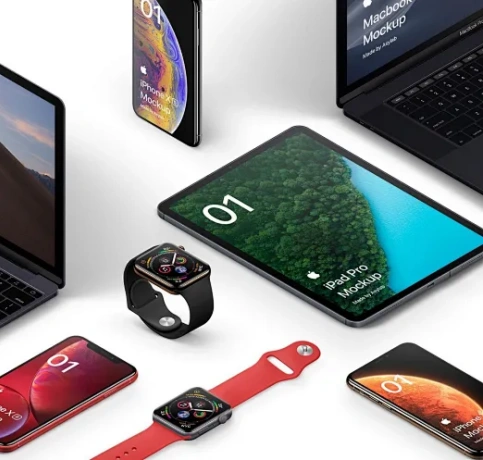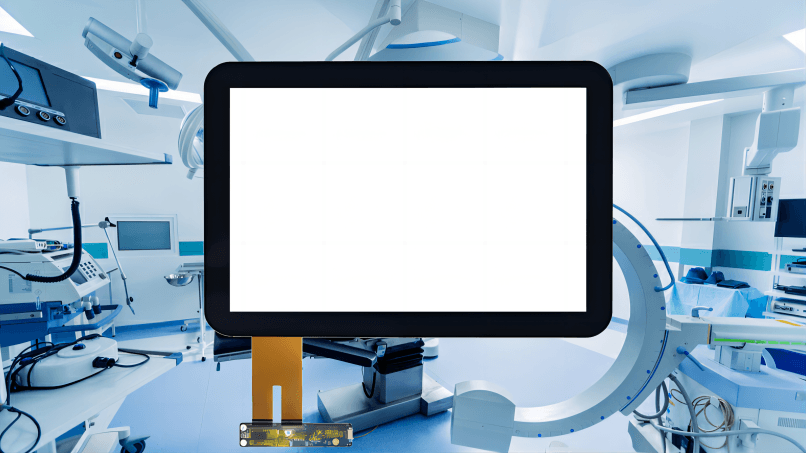
The core difference between resistive and capacitive touchscreens lies in how they detect touch: resistive touchscreens register input through physical pressure, while capacitive touchscreens detect touch through changes in an electrostatic field caused by a conductive object (such as a human finger). This fundamental distinction leads to differences in sensitivity, durability, optical performance, cost, and suitable application scenarios.
What Is a Resistive Touchscreen?
A resistive touchscreen is a pressure-sensitive input device composed of multiple layers, typically including two transparent conductive layers separated by insulating spacers. When pressure is applied, the layers make contact, allowing the system to determine the touch position.
How Resistive Touchscreens Work
- Two conductive layers (usually ITO-coated) face each other
- A voltage gradient is applied across the layers
- When pressure is applied, the layers touch
- The controller calculates X/Y coordinates based on voltage change
Resistive touchscreens respond to any object—finger, stylus, gloved hand, or pen—making them highly versatile in industrial and medical environments.
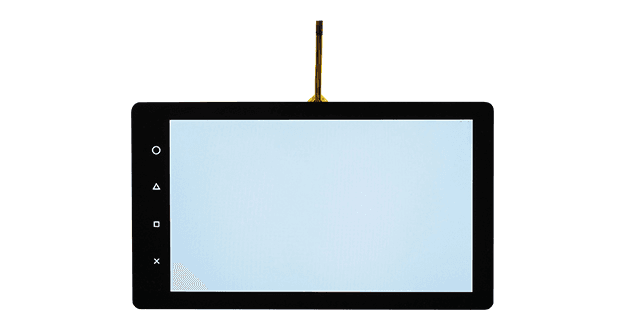
What Is a Capacitive Touchscreen?
A capacitive touchscreen is an input technology that relies on the electrical properties of the human body. It consists of a glass substrate coated with a transparent conductive material that stores an electrostatic charge.
How Capacitive Touchscreens Work
- An electrostatic field is generated across the screen surface
- A conductive object (finger) alters the local electric field
- Sensors detect the change in capacitance
- The controller calculates the touch position
Capacitive touchscreens are widely used in consumer electronics due to their high sensitivity, clarity, and support for multi-touch gestures.
Key Differences Between Resistive and Capacitive Touchscreens
| Feature | Resistive Touchscreen | Capacitive Touchscreen |
|---|---|---|
| Touch Method | Physical pressure | Electrostatic capacitance |
| Input Object | Any object | Conductive objects only |
| Multi-touch Support | Limited or none | Native multi-touch |
| Optical Clarity | Moderate | Excellent |
| Sensitivity | Low to medium | High |
| Durability | Resistant to liquids/dust | Glass surface, scratch-resistant |
| Cost | Lower | Higher |
| Environmental Tolerance | Excellent | Moderate |
Advantages and Disadvantages
Resistive Touchscreens
| Advantages | Disadvantages |
|---|---|
| Works with gloves/stylus | Lower light transmission |
| Low cost | Limited multi-touch |
| High accuracy for single-point input | Requires physical force |
| Excellent for harsh environments | Flexible top layer may wear |
Capacitive Touchscreens
| Advantages | Disadvantages |
|---|---|
| High optical transparency | Higher cost |
| Supports multi-touch gestures | Limited glove support |
| Fast and responsive | Susceptible to EMI |
| Modern user experience | Less effective in wet conditions |
Common Types of Resistive Touchscreens
| Type | Structure | Characteristics | Typical Use |
|---|---|---|---|
| 4-Wire | Simple two-layer | Low cost, shorter lifespan | POS, handheld terminals |
| 5-Wire | Voltage on glass layer | High durability | Industrial HMI |
| 8-Wire | Enhanced 4-wire | Improved accuracy | Medical devices |
Common Types of Capacitive Touchscreens
| Type | Structure | Characteristics | Typical Use |
|---|---|---|---|
| Surface Capacitive | Single conductive layer | Basic capacitive sensing | ATMs |
| Projected Capacitive (PCAP) | Sensor grid | Multi-touch, high precision | Smartphones, tablets |
| Mutual Capacitive | Grid-based sensing | Gesture support | Consumer electronics |
How to Choose the Right Touchscreen Technology
Choose a Resistive Touchscreen When:
- Operation with gloves or stylus is required
- The environment is dusty, wet, or chemically aggressive
- Cost sensitivity is high
- Single-touch input is sufficient
Choose a Capacitive Touchscreen When:
- Multi-touch gestures are required
- High display clarity is critical
- Fast and smooth user interaction is needed
- Modern UI/UX standards are expected
Industry Applications
| Industry | Recommended Technology | Reason |
|---|---|---|
| Industrial Automation | Resistive / PCAP | Reliability vs usability |
| Medical Equipment | Resistive | Glove operation |
| Consumer Electronics | Capacitive | Multi-touch, clarity |
| Retail & POS | Resistive / Capacitive | Cost vs experience |
| Automotive | PCAP | Gesture and durability |
| Outdoor Kiosks | PCAP with glove support | Enhanced interaction |
Future Technology Trends
- Hybrid Touch Solutions combining pressure and capacitive sensing
- Glove-compatible PCAP for industrial and outdoor use
- Thinner sensor stacks with improved optical performance
- AI-enhanced touch controllers for noise suppression
- Integration with haptics and force sensing
As human-machine interfaces evolve, capacitive technology continues to dominate consumer markets, while resistive solutions remain relevant in mission-critical and industrial applications.
Summary
Resistive and capacitive touchscreens serve fundamentally different design goals. Resistive touchscreens prioritize reliability, versatility, and environmental resistance, while capacitive touchscreens excel in responsiveness, clarity, and user experience. Selecting the right technology depends on application requirements, environmental conditions, and user interaction expectations.
Frequently Asked Questions (FAQ)
1. Can resistive touchscreens support multi-touch?
Limited multi-touch is possible, but it is not practical for gesture-based applications.
2. Do capacitive touchscreens work with gloves?
Standard gloves do not work unless they are conductive or the screen supports glove mode.
3. Which touchscreen is more durable?
Resistive touchscreens tolerate harsh environments better, while capacitive glass surfaces resist scratches.
4. Are resistive touchscreens obsolete?
No. They are still widely used in industrial, medical, and embedded systems.
5. Which touchscreen technology is better for outdoor use?
It depends: resistive screens handle moisture well, while PCAP screens offer better visibility and UX with proper tuning.